PowerAim documentation
Everything about setting up, configuring and understanding PowerAim — an AI-powered aim alignment tool for Windows, built on .NET 10 and WPF.
Get started Back to the main site View on GitHub
What is PowerAim?
PowerAim captures the screen, runs a YOLOv8 ONNX model on the frame, and nudges the mouse (or a virtual controller) toward the detected target. It works entirely from the outside — it never reads or writes game memory and injects no code. Everything is fully configurable, 100% local, and 100% free — no ads, no key system, no paywalled features.
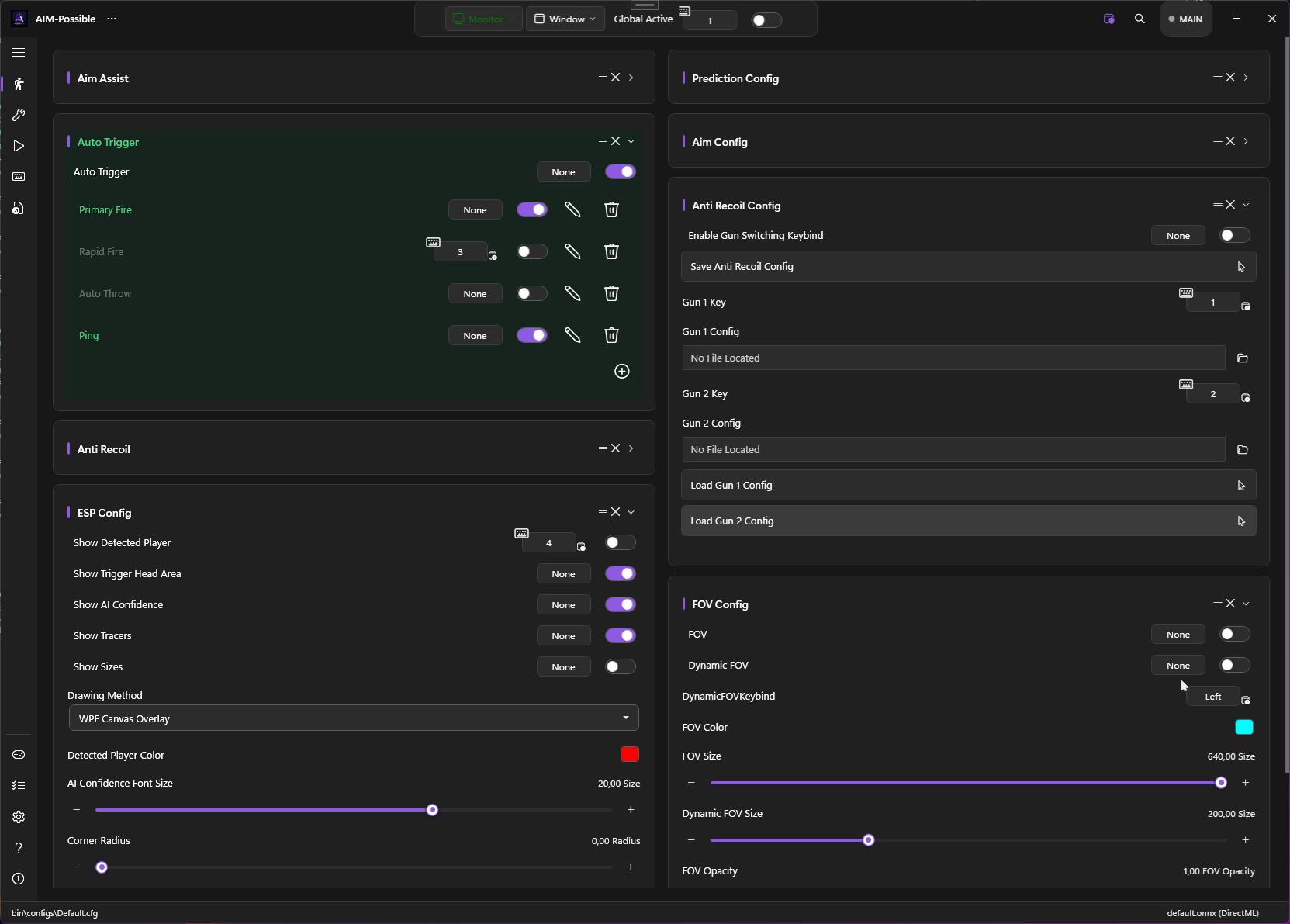
It’s built around a decoupled service architecture, persistent multi-target tracking, a complete trigger system, a Fluent-styled UI, gamepad / mapping / AutoPlay support, localization in 9 languages, dynamic model sizes, and a fast capture & inference pipeline.
PowerAim is free to use. For the license, terms and credits, see LicenseInfo.
Start here — keybinds are the most powerful part of PowerAim. Any binding can be a chord across
keyboard, mouse and gamepad at once (even Ctrl + Q + Gamepad LT), and you can bind toggles, profiles,
custom tools and whole configs — combine them to build complete, game-specific workflows from a single
key. See Keybinds & Hotkeys.
Find your way around
- Getting started — install, first aim, system requirements and best practices.
- Features — aim assist, triggers, anti-recoil, OCR, gamepad, AutoPlay, overlays and more.
- Configuration — settings, the config file, keybinds and per-game profiles.
- Advanced — architecture and localization.
Looking for downloads and the changelog? Head to the main site.